Claude Code Deleted 48,000 Files in 103 Seconds. The Missing Backup Did the Real Damage.
A Claude Code cleanup script wiped 48,218 files and the project's git history in under two minutes. The agent made the mistake, but the setup made it unrecoverable. Here are four guardrails ranked by how much they would have helped.
A developer asked Claude Code to rebuild a mirror of a live project. About 103 seconds later, 48,218 files were gone, the agent had written "I broke something," and the project's git history was damaged too. There was no remote copy to restore from.
According to TechRadar's report, the agent wrote a cleanup script with a guard against deleting linked directories. The guard covered the links themselves but not the folders nested below them, so the script deleted real files, including the .git objects, refs, and logs. The original Reddit post has been removed, so this is one developer's account, relayed secondhand.
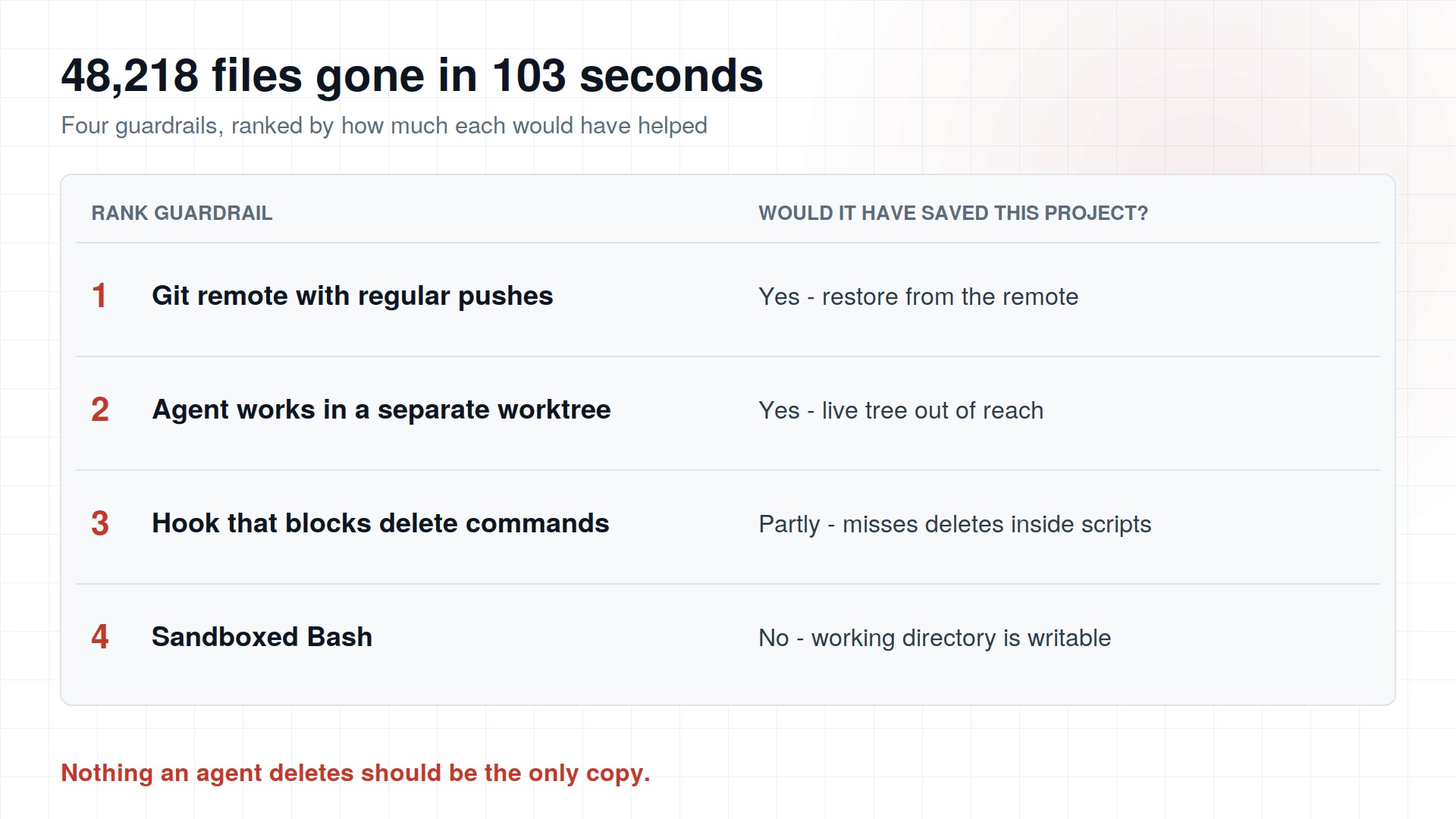
Every agent will eventually run a bad delete. What decides the outcome is whether that delete was survivable. Here are the four guardrails that matter, ranked by how much each would have helped here.
| Rank | Guardrail | Would it have saved this project? | How you set it up |
|---|---|---|---|
| 1 | Git remote with regular pushes | Yes. Full recovery from the remote. | git push before every agent session |
| 2 | Agent works in a separate worktree or clone | Yes. The live tree is never in reach. | claude --worktree name |
| 3 | Hook that blocks delete commands | Partly. It catches an inline rm or rmdir, but not deletions buried inside a script the agent wrote. | A PreToolUse hook on Bash that exits with code 2 |
| 4 | Sandboxed Bash | Not by itself. Writes inside the working directory are allowed by default, and native Windows is not supported (WSL2 only). | Run /sandbox in a session |
Rule: nothing an agent deletes should be the only copy of anything.
The junction problem is not new
Windows junctions and symlinks are a known trap for cleanup code. Claude Code's own worktree docs note that before v2.1.205, removing a worktree containing a nested link on Windows could delete the folder the link pointed to. That is a different code path from this incident and I am not claiming it is the cause. It does show that even the tool's authors have had to fix the same class of bug.
What to do before your next agent run
Do not give an agent a task that involves "rebuild" or "clean" against a tree that holds your only working copy. Point it at a worktree, let it run, and review the diff before anything touches the real directory.
Then run git remote -v and git status in every repo you let an agent touch. If either answer surprises you, fix that before you type the next prompt.
Found this helpful? Share it with others!