VS Code Is Removing the Agent You Use Today. Here Is What Will Not Survive the Move.
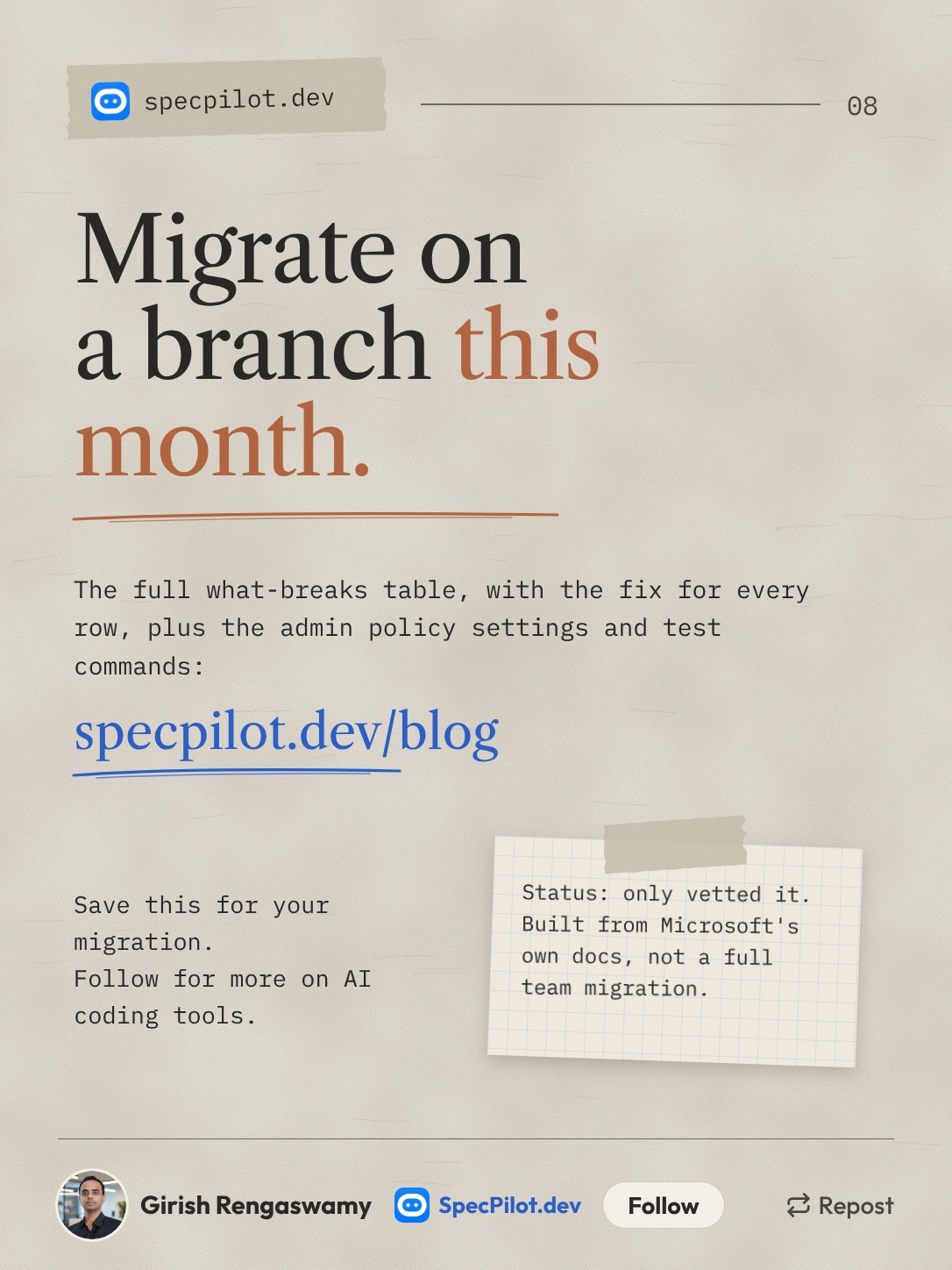
VS Code 1.146 deprecated the Local agent harness and set its removal for February 2027. The Migrate button handles agents, instructions and basic MCP servers. Hooks, memory files and MCP secrets you fix by hand, so do it on a branch this month.
Accurate as of November 2026.
If you use agent mode in VS Code and never touched a harness setting, you are probably on the Local harness. Microsoft has now put a date on it: the Local harness is deprecated and will be removed in February 2027. There is a migration button, and it moves less than most people will assume.
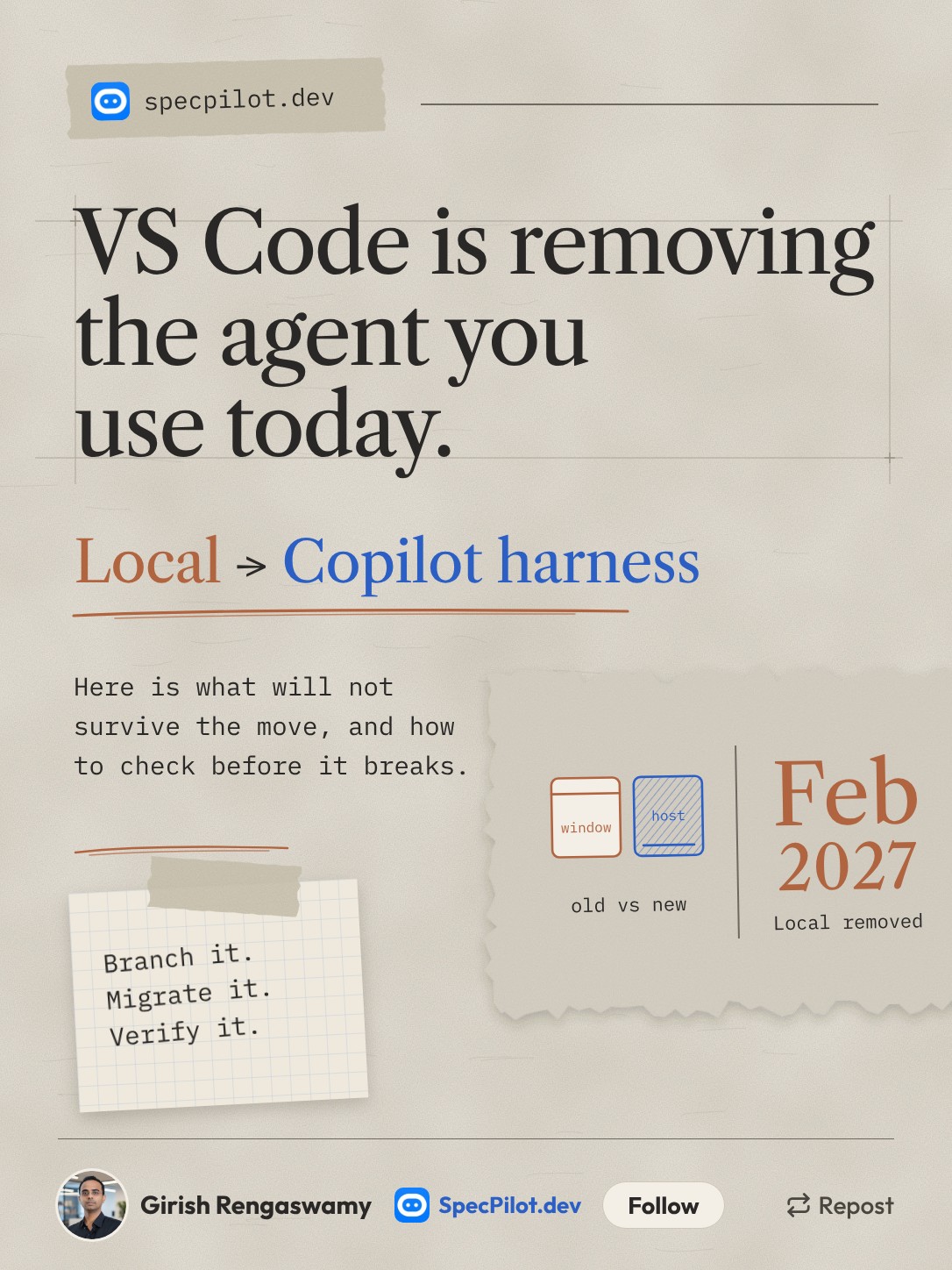
The short version: agents, instructions and simple MCP servers move on their own. Hooks, memory files and MCP servers that rely on stored secrets do not. You have about three months, and January is when everyone else will be doing this.
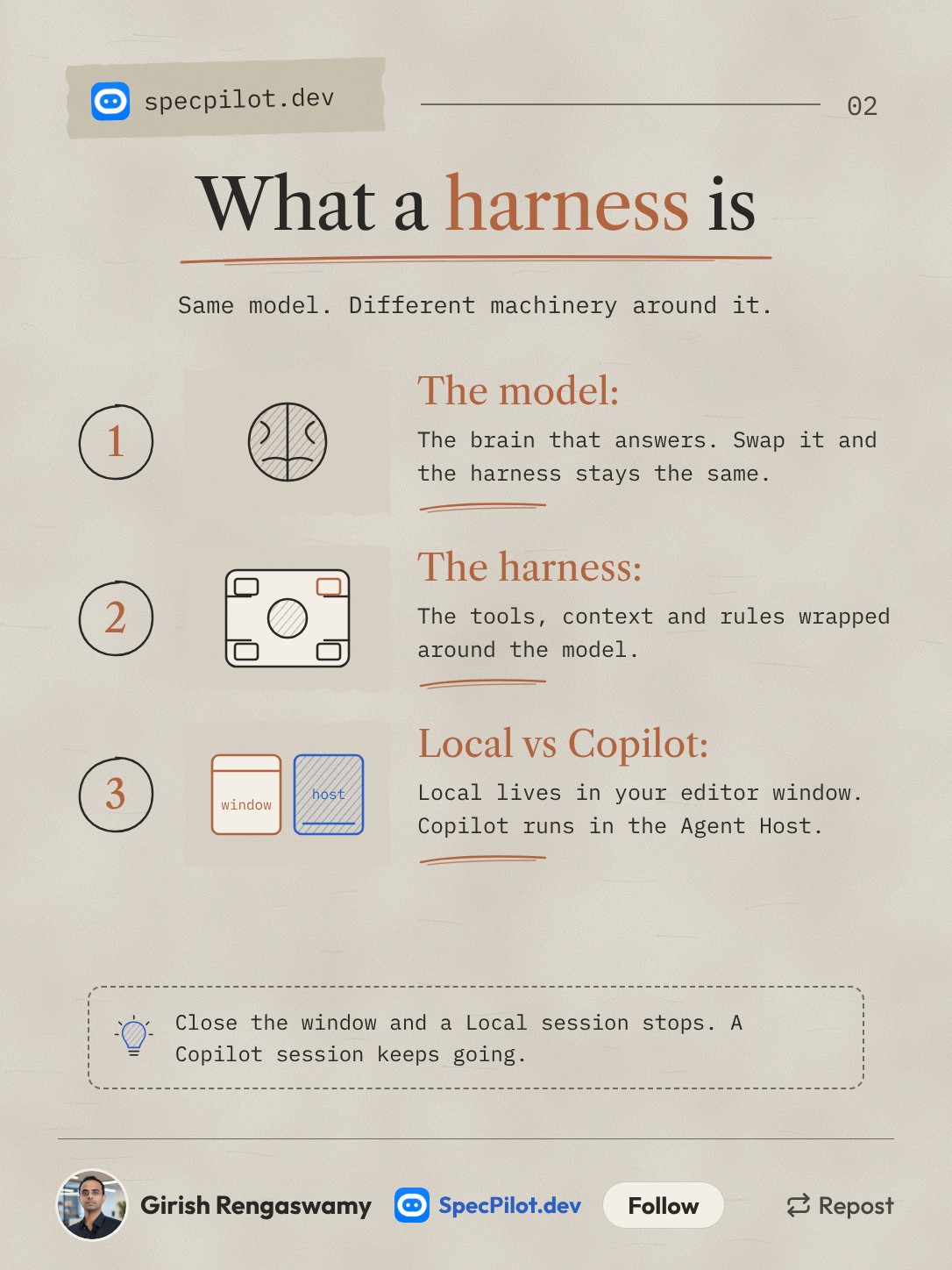
VS Code's own definition: a harness coordinates the language model, context and tools an agent uses. Change the model and you keep the harness. Change the harness and your tools, customizations and workflows can change underneath you, even with the same model.
The practical difference is where the session lives. Local runs inside the editor's extension host, so closing the window stops the work. Copilot runs in the Agent Host on the Copilot SDK, the same runtime behind Copilot CLI, so sessions keep going after the window closes and can be picked up elsewhere.
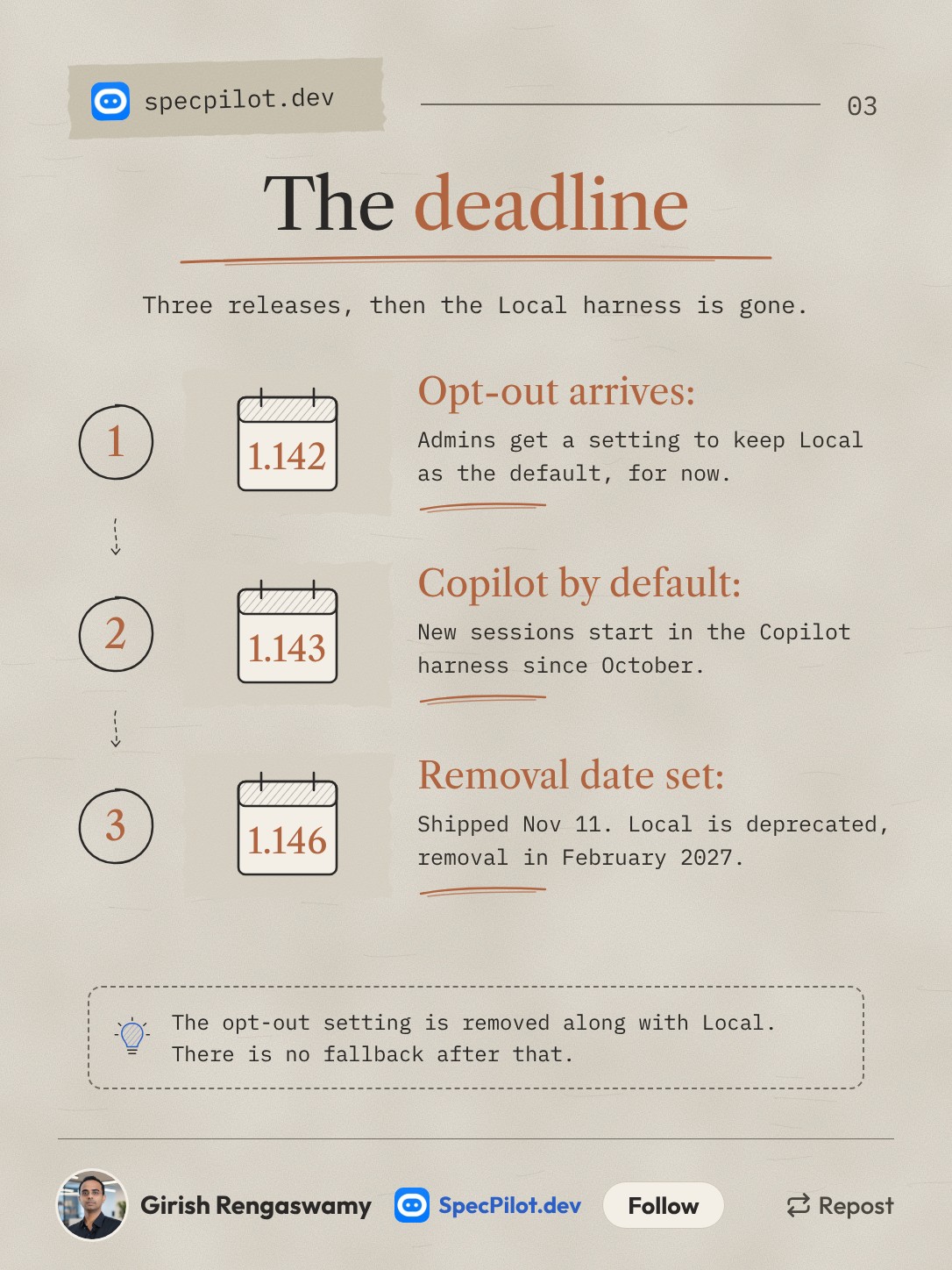
This did not happen in one release. Version 1.142 gave admins vscode.temporaryDefaultToLocalHarness to keep Local as the default. Version 1.143 made the Copilot harness the default for new sessions, as Visual Studio Magazine reported in October. Version 1.146, released on 11 November, deprecated Local and fixed the February 2027 removal.
The opt-out setting is temporary too. It goes away with the Local harness, so there is no switch to flip in February if something breaks.
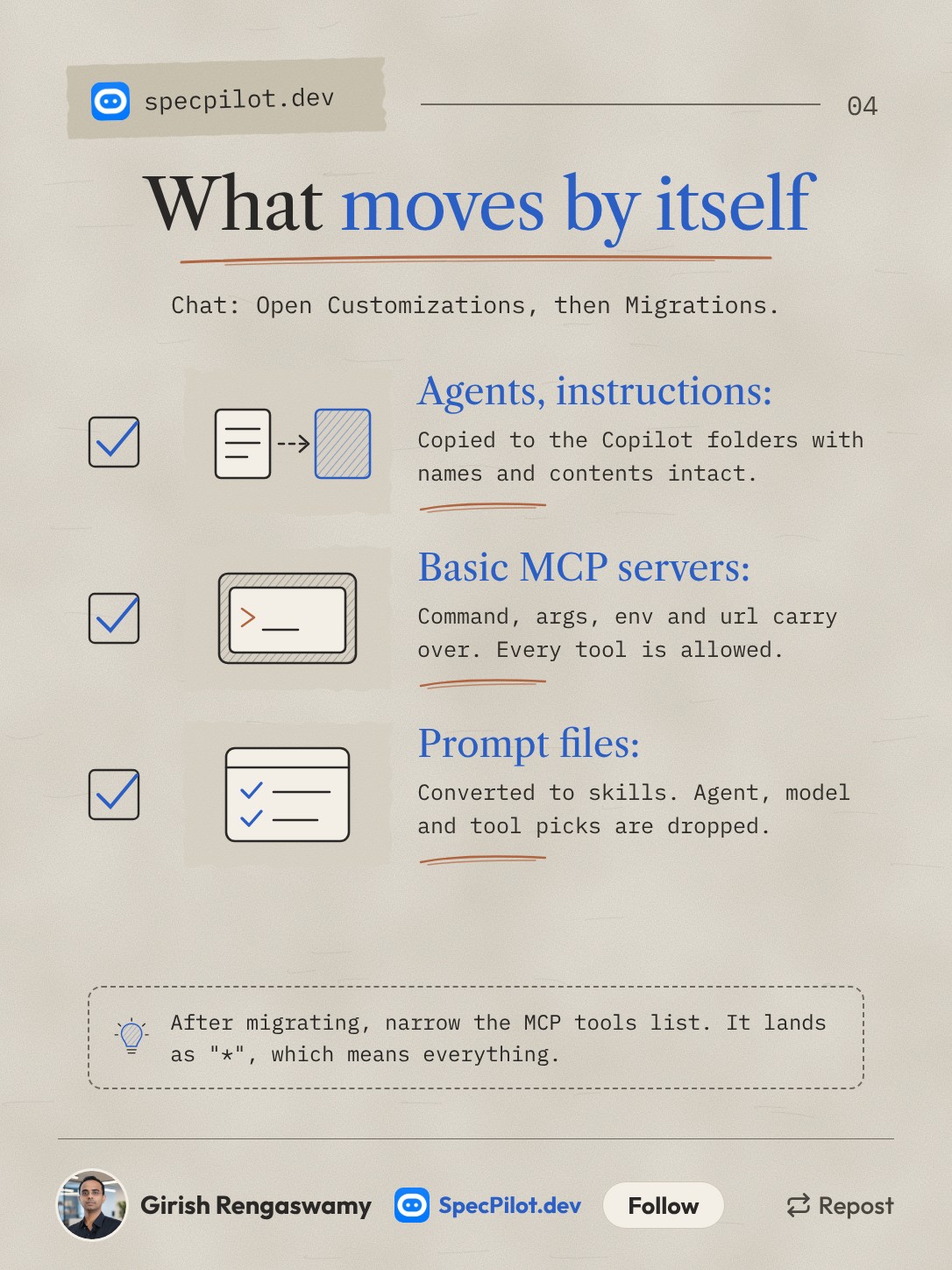
The migration lives in Chat: Open Customizations, under Migrations. It lists what it detected and offers Migrate, which does the supported file moves and conversions.
Three things go through cleanly, per the customization migration guide. Profile agents and instructions are copied to ~/.copilot/agents and ~/.copilot/instructions unchanged. MCP servers with standard command, args, env, url and headers entries move to .mcp.json at the workspace root. Prompt files become skills.
Two of those come with a catch. Migrated MCP servers get tools: ["*"], which allows every tool the server exposes, so narrow it straight away. Converted prompt files lose their agent, model and tools picks, so any prompt that depended on a specific model or tool list will behave differently.
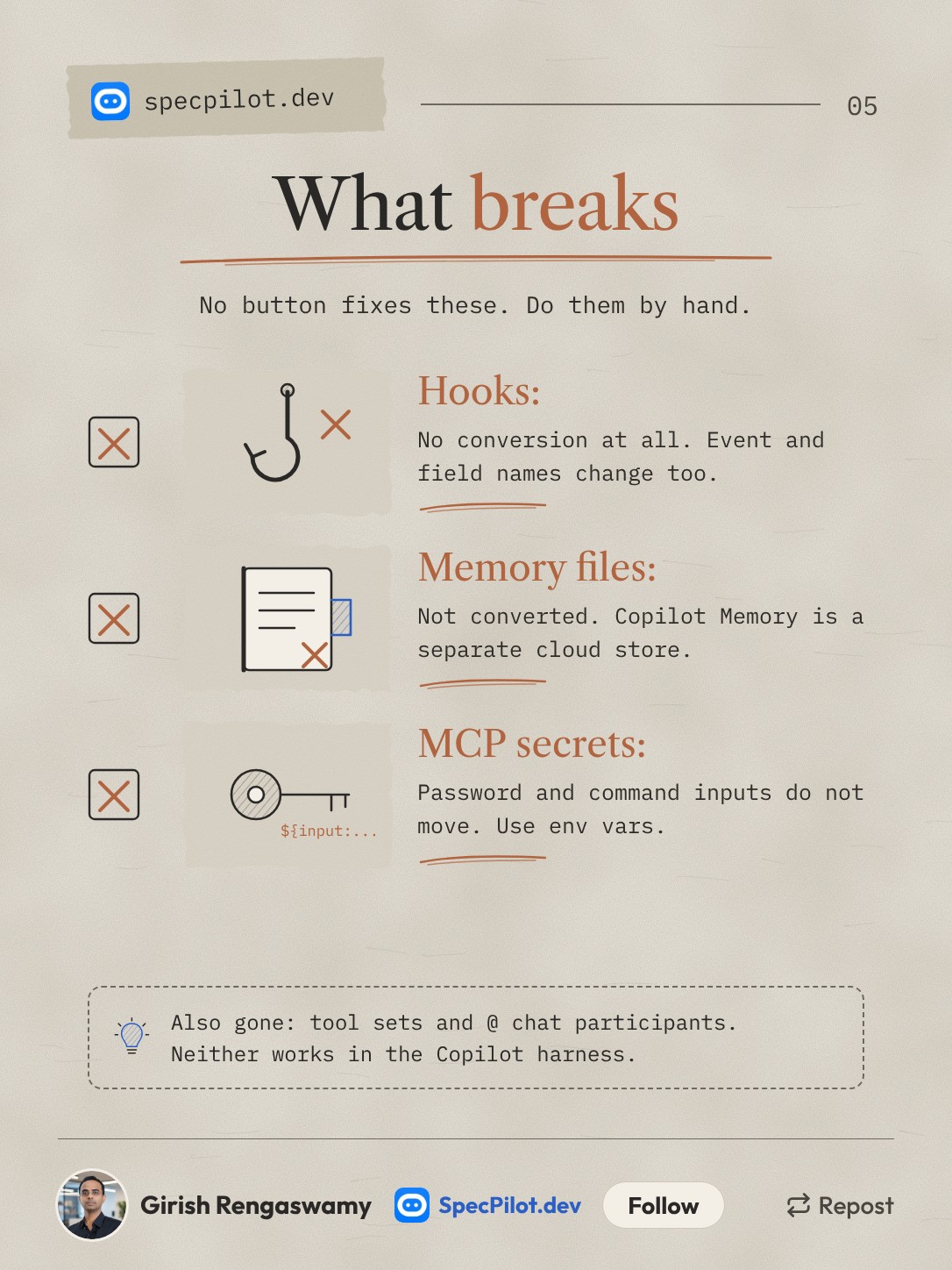
This is the slide to act on. Nothing on it converts automatically.
Hooks get no conversion at all. The event names and payload fields change: PreToolUse becomes preToolUse, tool_name becomes toolName. If your hooks enforce anything, like blocking writes to a path, assume they are not running in a Copilot session until you have rewritten and tested them. The old format is documented in the legacy Local hooks reference.
Memory files are not converted. Local memory and Copilot Memory are separate stores. Copilot Memory is a cloud service you manage on GitHub, and unused items are deleted after 28 days. There is a repository-local option, but it is experimental and has no user scope.
MCP secrets do not transfer. Any server using ${input:...} password prompts or ${command:...} values needs a rewrite to environment variables.
Tool sets (.toolsets.jsonc) and @ chat participants are unsupported in the Copilot harness. Neither has a direct replacement.
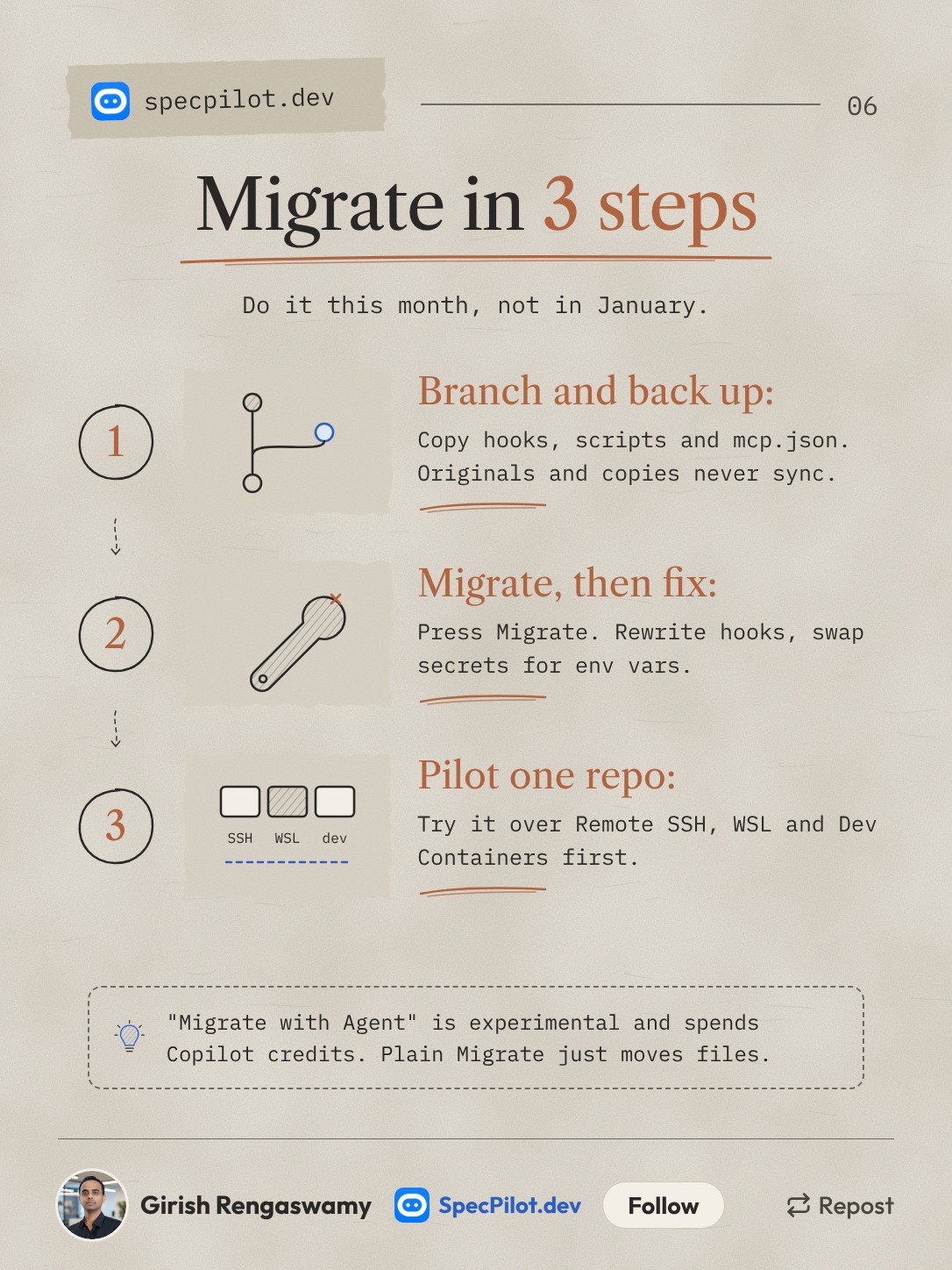
Branch first because originals and migrated files do not sync. If you edit a hook in one place after migrating, the other copy goes stale and you will not notice until something does not fire.
There is a second button, Migrate with Agent, which starts an agent-led conversation to adapt workflows the plain migration cannot. It is experimental and it spends Copilot credits. Use it for the odd prompt file that needs its model and tools rebuilt, not as the default path.
Pilot on one repo across the environments your team uses. Microsoft's guide calls out Remote SSH, WSL and Dev Containers specifically, and the Agent Host has its own requirements: desktop VS Code must stay running, and tools provided by a window need that window connected.
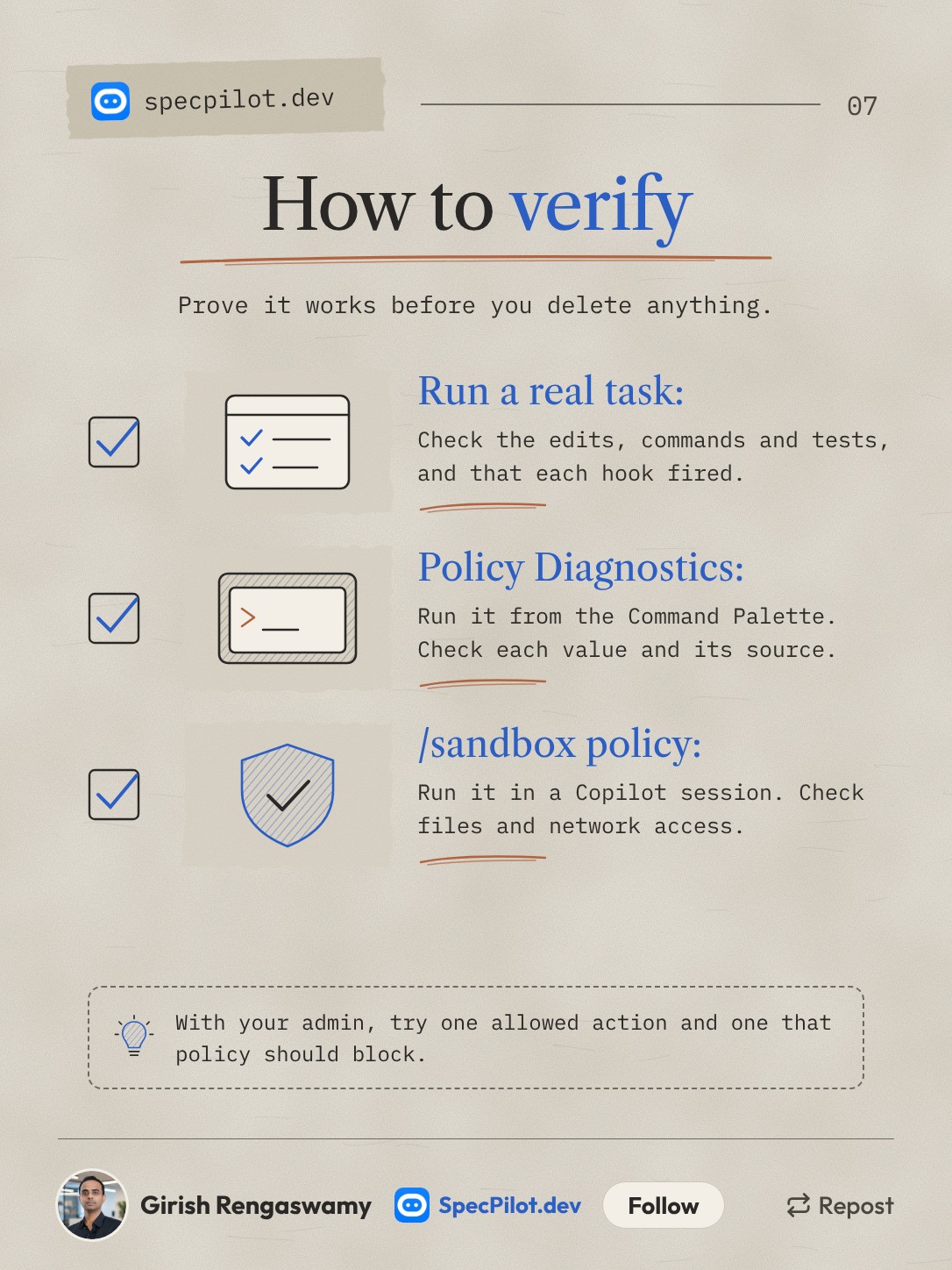
The three checks on the slide come from the move-to-Copilot guide. The full list of six is further down.
The full what-breaks table
Every customization type, what the migration does with it, and the fix. Sources: the customization migration guide and the move-to-Copilot guide.
| Customization | Migrates on its own? | What goes wrong | Fix |
|---|---|---|---|
| Custom agents and instructions | Yes | Nothing, if they live in profile storage | Check they land in ~/.copilot/agents, ~/.copilot/instructions, .github/agents or .github/instructions |
| MCP servers, basic | Yes | Every tool is allowed (tools: ["*"]) | Narrow the tools list per server |
| MCP servers, with secrets | No | ${input:...} password and ${command:...} inputs are dropped | Use env var references like ${SERVICE_API_KEY}, never a literal credential |
| MCP servers, other fields | No | cwd, envFile, SSE transport, oauth objects and null env values need manual changes | Edit by hand; sandbox settings also do not carry over |
| Prompt files | Partly | Become skills; agent, model and tools picks are dropped | Recheck each one, or use Migrate with Agent for the few that need it |
| Hooks | No | No conversion; event and field names change | Rewrite, test with a fixture, enable one version only |
| Memory files | No | Local memory and Copilot Memory are separate | Move repo facts into versioned docs or instructions |
| Tool sets | No | Unsupported | List the tools in a custom agent's tools property |
| @ chat participants | No | Unsupported | Ask the agent directly; publishers rebuild as an agent plugin |
| Extension tools | Partly | Need an editor window where the extension runs | Keep that window open, or replace with an MCP server |
Rewriting a hook
Back up the original config and scripts. Stage the new config as .json.disabled with a new script filename. Convert event names and payload fields, return a top-level permissionDecision, and return {} when the hook has no opinion.
Then test the script on its own before any session uses it. The guide's example:
printf '%s\n' '{"toolName":"view","toolArgs":{"path":"README.md"}}' \
  | REVIEW_TOOL_NAME=view node .github/hooks/review-tool-copilot.cjs
Only then rename it to .json, disable the old one, and start a fresh session to confirm it fires. Repository hooks live in .github/hooks/*.json; user hooks in ~/.copilot/hooks/*.json.
Rewriting an MCP secret
Replace the input prompt with an environment variable reference. For an HTTP server:
"headers": { "Authorization": "Bearer ${SERVICE_API_KEY}" }For a stdio server, put "API_KEY": "${SERVICE_API_KEY}" under env. Use ${NAME}, not ${env:NAME}. The full syntax is in the MCP configuration reference.
Moving memory
There is no import. The memory doc's advice for repository knowledge is to check it against the code, move it into documentation or custom instructions in source control, and delete the local copy so you do not keep two versions. If you want the repository-local option, it needs chat.copilot.memory.enabled and chat.copilot.memory.local.enabled, a GitHub-hosted repo, and it writes to .github/copilot-memories.jsonl.
Admin policy settings
If you manage VS Code for a team, these are the controls, from the harness docs and the enterprise AI settings page.
| Setting | Type | What it does | Since |
|---|---|---|---|
vscode.temporaryDefaultToLocalHarness: true | Enterprise-managed | Keeps Local available and stops automatic Copilot routing. Removed with Local | 1.142 |
vscode.temporaryAllowLocalHarness: false | Enterprise-managed | Prohibits the Local, Claude and Codex harnesses; overrides the setting above | 1.143 |
ChatEditorPreferCopilotHarness: true | Device policy | Nudges users to Copilot without blocking other harnesses | - |
Managed permissions.deny or sandbox.enabled: true | Enterprise-managed | Routes sessions to the Copilot harness, unless the temporary Local default applies | - |
The Local harness cannot enforce the Copilot runtime's permission and sandbox controls. If you keep managed security settings and fall back to Local, those protections stop applying, and an admin has to accept that gap knowingly.
For individual users on an unmanaged editor, three experimental settings keep Local visible for now: chat.editor.localAgent.enabled: true, chat.defaultToCopilotHarness: false and chat.editor.preferCopilotHarness: false. That buys a few weeks at most.
Verification commands
- Run a representative task in a Copilot session. Check the actual edits, command output and test results, not the chat summary.
- Confirm your customizations load and your tools are available. Trigger each migrated skill, hook and MCP integration at least once.
- Run Developer: Policy Diagnostics from the Command Palette. Check every effective policy value and where it came from.
- Run
/sandbox policyinside a Copilot session. Check the execution host, sandbox state, file access and network restrictions. - With an admin, try one operation that should be allowed and one that policy should block, against a throwaway path.
- Repeat on every remote host and container you use. Other Copilot clients need their own check.
Fact-check notes
Status: only vetted it. This is built from Microsoft's documentation and two news write-ups, not from migrating a team's setup end to end. Almost every detail comes from Microsoft's own docs, so where the docs are optimistic, this post is too.
The 1.146 release date comes from Warp2Search's report and Big Hat Group's summary; the 1.146 release notes page did not load when this was checked. Some Copilot harness features are still labelled experimental or preview, including cloud sessions and the Codex Agent Host integration.
The takeaway
The Migrate button is fine for the easy two-thirds of your setup. The third it skips is the part that enforces things: hooks that block writes, secrets that keep credentials out of config files. Those fail quietly. Do the migration on a branch while the Local harness still works side by side, so you can compare behaviour in both before February.
Found this helpful? Share it with others!